
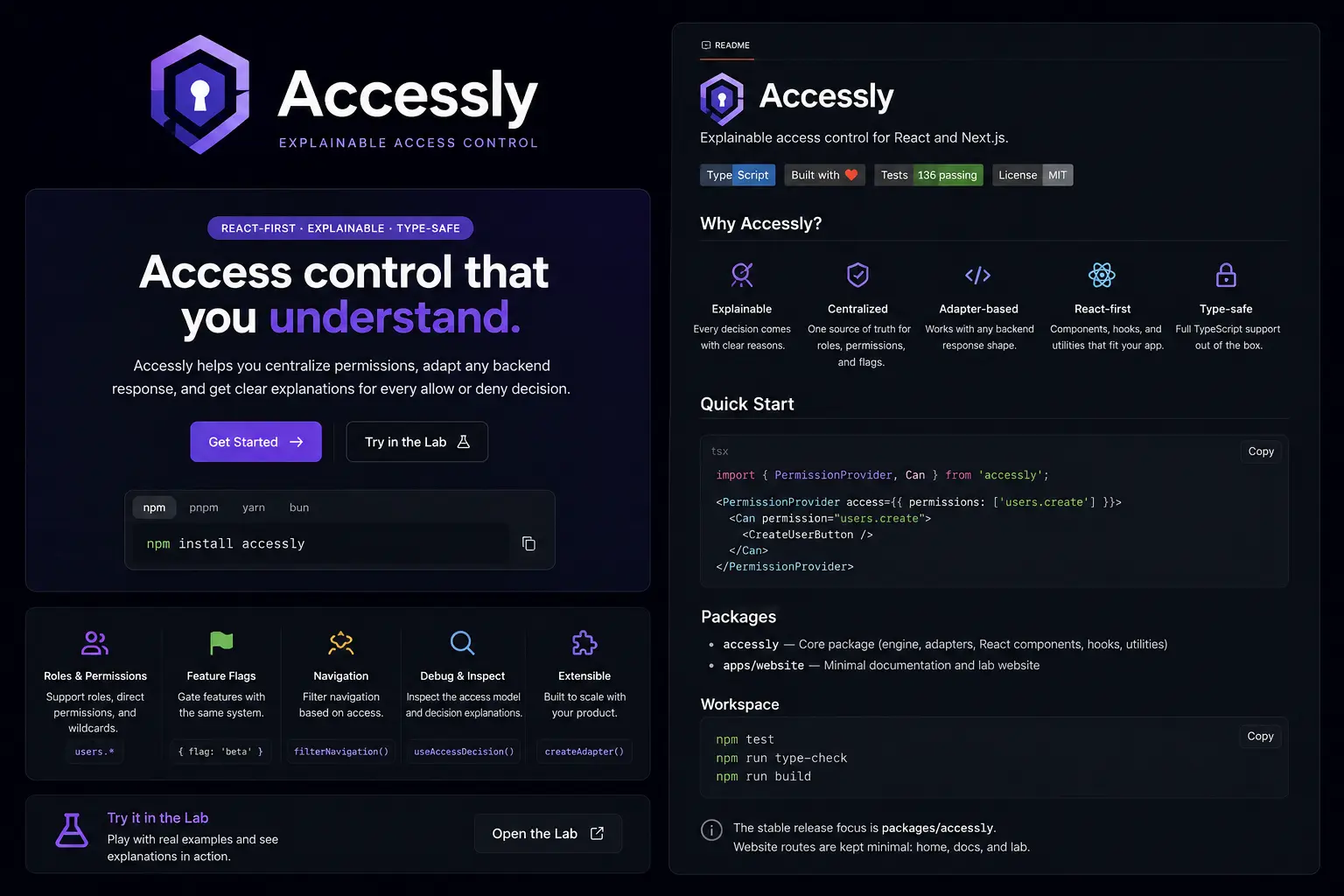
Accessly — explainable access control for React and Next.js.
An open-source permission layer for React and Next.js applications, built around normalized access models, declarative UI gating, backend adapters, RBAC expansion, feature flags, wildcard permissions, navigation filtering, and explainable allow/deny decisions.
TypeScript
React / Next.js
Access control
RBAC
Feature flags
Backend adapters
Navigation filtering
Explainable decisions
Frontend access logic often starts as simple conditionals and grows into scattered role checks, duplicated permission strings, inconsistent navigation rules, and unclear allow/deny behavior.
Accessly gives React and Next.js apps one consistent way to ask access questions, render protected UI, normalize backend permission responses, and understand why access was allowed or denied.
import { PermissionProvider, Can } from "accessly";

export function App() {
  return (
    <PermissionProvider
      access={{
        user: { id: "user_1", roles: ["admin"] },
        permissions: ["users.create", "reports.view"],
        flags: ["features.new-dashboard"],
      }}
    >
      <Can permission="users.create" fallback={<span>Read only</span>}>
        <button>Create user</button>
      </Can>
    </PermissionProvider>
  );
}Accessly controls frontend rendering and UI access decisions. It does not replace server-side authorization. Sensitive actions, private API routes, mutations, billing operations, and admin actions must still be authorized on the server.